Every location, one app.
Most daycares on Packroll run one location, and that’s who we build for first. If you run more than one, you don’t need a second app: switch between your daycares right from the menu.
Switch from the menu
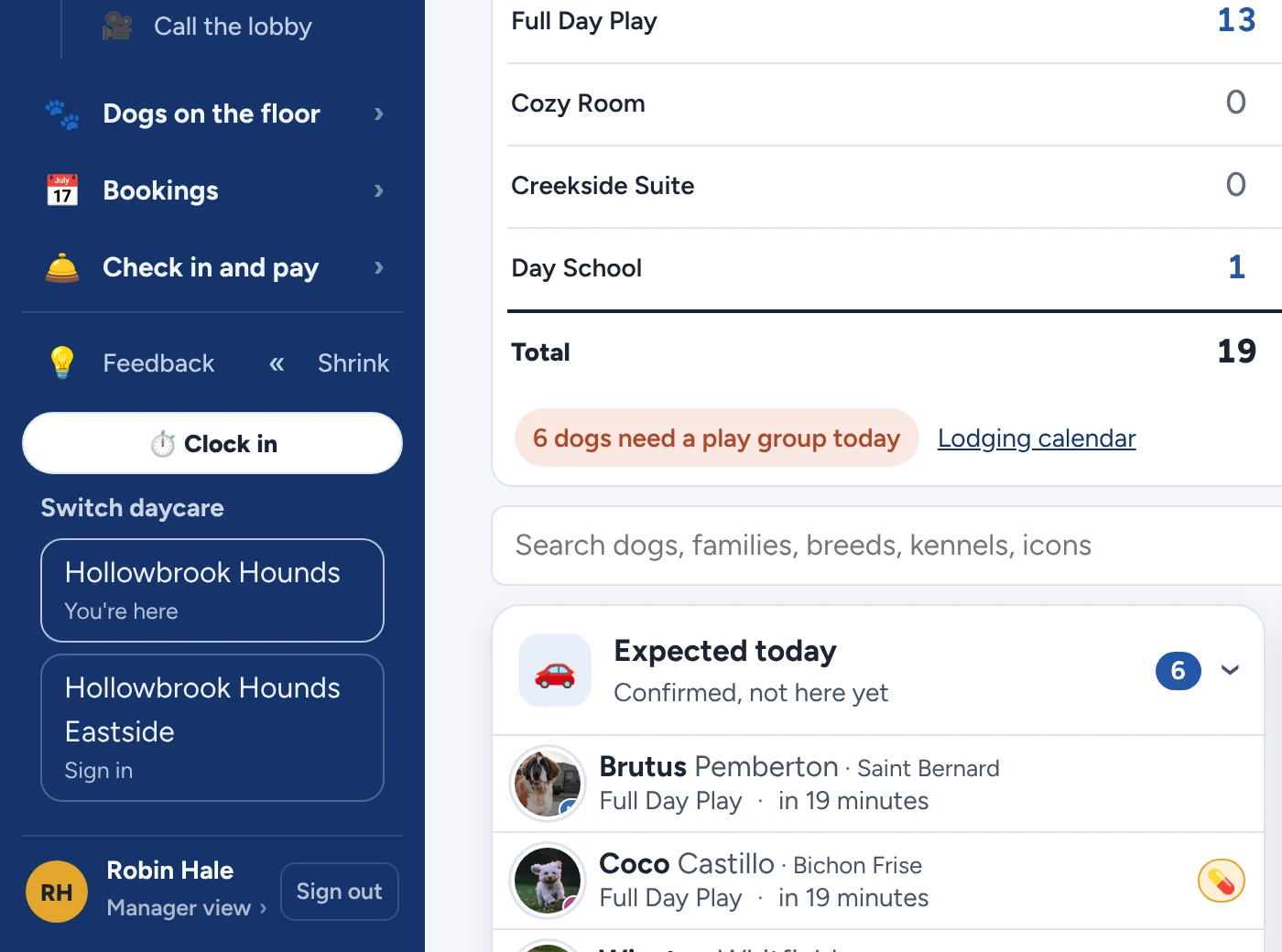
On a computer, your locations sit at the bottom of the side menu. Tap one to jump over.
Pick a location at sign-in
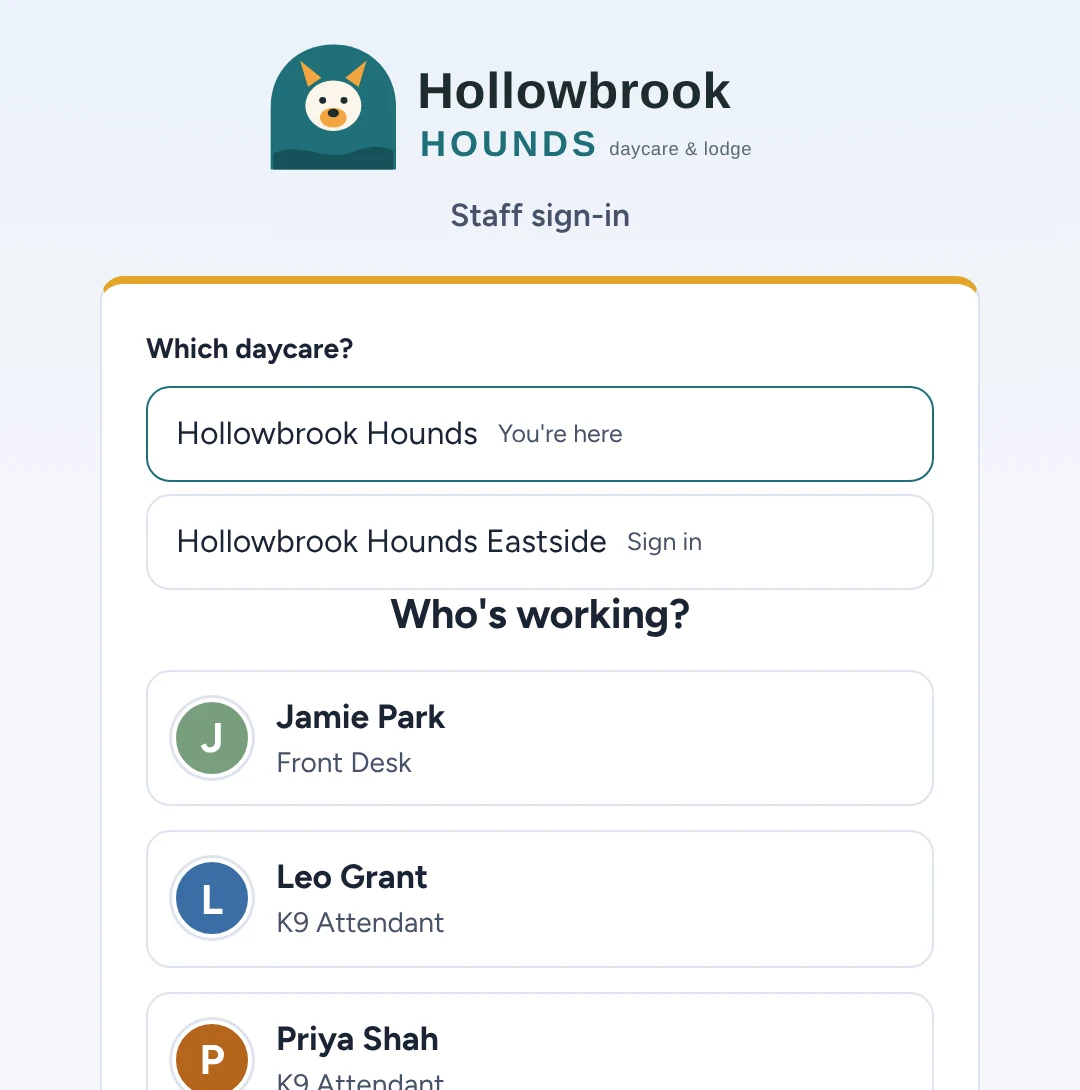
Shared front desk computer? The sign-in screen asks which daycare before anyone signs in.
On the phone too
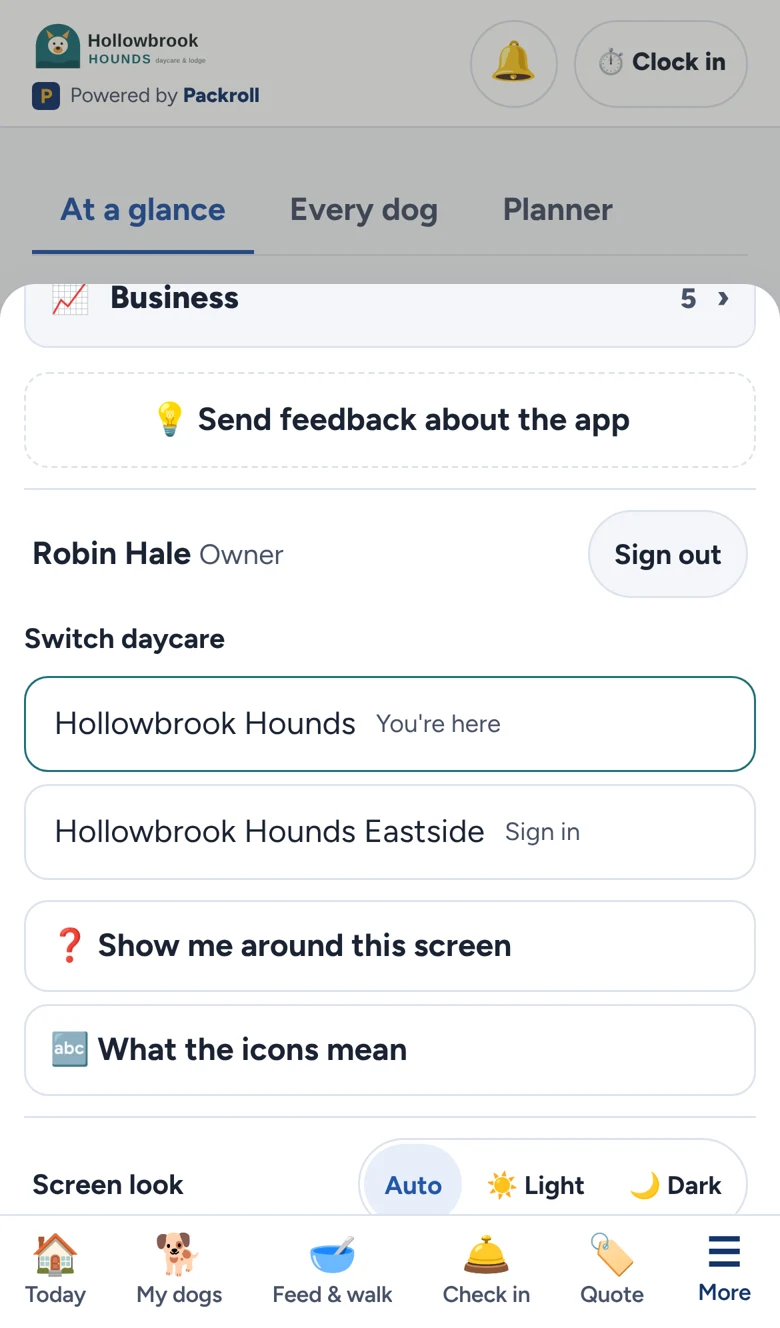
Owners and managers on the go find the same switch in the More menu.
How it works
Straight answer: today each location keeps its own numbers. A combined view across locations isn’t built yet.
- Each location is its own daycare: its own logo, prices, kennels, team and families. Nothing mixes between locations.
- Sign in once per location: on a phone, tablet or computer. After that, switching is one tap.
- Your team sees only where they work: staff sign in to their location, so the floor stays simple.
- Each location picks its own pack: a busy spot can run Pack Leader while a smaller one runs Starter. Billed per location.
Running more than one location?
Tell us about your locations and we’ll show you how it would look for you.
Book a demo